Beyond Pass/Fail: Hardening DKIM with the h, g, and s Tags
A passing DKIM signature isn't enough; force strong hashing and scope your signatures using advanced tags right in your DNS record.
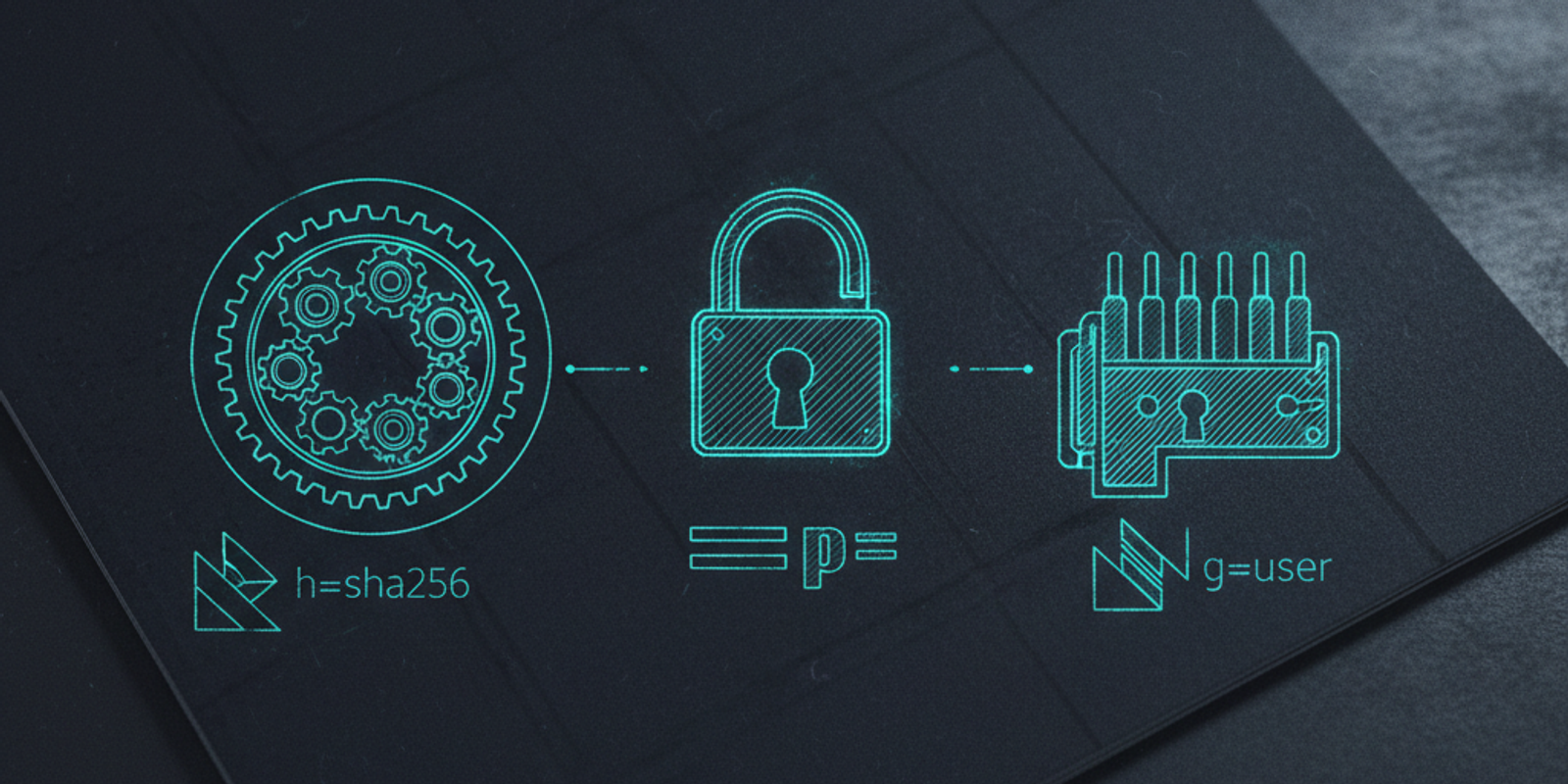
You see a 'dkim=pass' in the header and breathe a sigh of relief. The message is authentic. Or is it? A signature is only as strong as the cryptography that created it, and a passing verdict can hide sins like an outdated SHA-1 hash on a wire transfer request.
This is a common blind spot for security teams. We deploy DKIM, set up our public key in DNS, and move on. But the DKIM standard, defined in RFC 6376, provides several lesser-known tags that allow domain owners to go beyond just publishing a key. You can, and should, dictate the terms of how your emails are validated.
These advanced DKIM tags—specifically `h`, `g`, and `s`—are your tools for closing cryptographic loopholes. They let you enforce hashing algorithms, define signature granularity, and specify service types directly within your TXT record. It's the difference between leaving your door unlocked and installing a deadbolt with an auditable key policy.
The Anatomy of a DKIM Record You're Ignoring
Every admin who has configured email authentication knows the basic DKIM record structure. You generate a key pair, and publish the public key in a DNS TXT record at `selector._domainkey.yourdomain.com`. At a minimum, that record contains two tags.
v=DKIM1; p=MIIBIjANBgkqhkiG9w0BAQEFAAOCAQ8AMIIBCgKCAQEA...your_public_key...IDAQAB
`v=DKIM1` is the version tag. It's always 'DKIM1'. The `p=` tag contains your base64-encoded public key. If the `p=` value is empty, it signals that this selector is revoked. That's DKIM 101. But these are just the mandatory components. A compliant TXT record can include a suite of optional tags that provide explicit instructions to receiving mail transfer agents (MTAs).
These aren't suggestions; they are policy assertions. When you add tags like `h=` (Hash Algorithms) or `s=` (Service Type), you're telling the world, "If you're going to validate an email from my domain, you must adhere to these stricter rules." Ignoring them is like setting up a firewall with an 'any/any' rule and hoping for the best. It's time to be prescriptive.
Forcing Modern Crypto with the Hash Algorithm (`h=`) Tag
This is the most critical optional tag you can deploy. The `h=` tag specifies the list of acceptable hash algorithms that can be used to generate the signature. Why does this matter? Because the DKIM standard (RFC 6376) mandates that verifiers MUST support both SHA-1 and SHA-256.
Without the `h=` tag, a signing MTA could theoretically generate a signature using the much weaker, collision-prone SHA-1 algorithm. The receiving MTA would see a valid signature format, validate it against your public key, and return a `dkim=pass`. The problem is that SHA-1 has been considered cryptographically broken for years. Allowing its use is an unnecessary risk.
Taking Control from the Verifier
By adding `h=sha256` to your DKIM record, you remove this ambiguity. You are explicitly stating that SHA-256 is the *only* hash algorithm you authorize for your signatures. A verifier receiving a message signed with SHA-1 for your domain MUST treat it as a failure, even if the signature itself mathematically checks out. You've elevated the policy requirement.
The syntax allows for a colon-separated list, like `h=sha256:sha1`. But you wouldn't do that. The entire point is to deprecate the weak stuff. The operational instruction is simple and powerful: set `h=sha256` in your DKIM record and configure your signing infrastructure to use it exclusively. This prevents downgrade attacks and ensures that a `dkim=pass` carries the weight of modern cryptography.
Scoping Your Signatures with the Granularity (`g=`) Tag
The `g=` tag is a fascinating, though less commonly used, tool for scoping. The 'g' stands for granularity, and it defines which signing identifier (the value in the `i=` tag of the DKIM-Signature header) is allowed to use this key.
By default, the granularity is a wildcard, `g=*`. This means any `i=` value with an email address domain that matches the signing domain (`d=`) is allowed. For example, if your DKIM key is for `example.com`, `g=*` allows signatures with `i=user@example.com`, `i=sales@example.com`, or even just `i=@example.com`.
Use Cases for Fixed Granularity
So when would you lock this down? Imagine your CFO has a dedicated, highly-privileged email account, `cfo@example-corp.com`. You could create a specific DKIM selector, say `cfo-key._domainkey.example-corp.com`, and publish a record with `g=cfo@example-corp.com`.
v=DKIM1; p=...; g=cfo@example-corp.com; h=sha256;
Now, this specific key is only valid for signing emails where the `i=` tag in the signature header is an exact match for `cfo@example-corp.com`. If an attacker were to compromise a different part of the mail system and try to use that key to sign an email from `billing@example-corp.com`, a compliant verifier would reject it. It adds a layer of defense-in-depth, tying a specific key to a specific identity.
In practice, most organizations stick with `g=*` because managing per-user or per-department keys is operationally complex. But for high-stakes accounts or automated systems sending critical alerts, fixed granularity is a powerful, underutilized option.
The Enigmatic Service Type (`s=`) Tag
The Service Type tag, `s=`, is perhaps the most obscure of the bunch. It's designed to restrict a DKIM key to specific service types. According to RFC 6376, the two defined values are `*` (all service types) and `email`.
The default value if the tag is omitted is `*`, meaning the key is valid for any service. If you specify `s=email`, you are explicitly stating that this key is only for use with email. The RFC authors included this for future-proofing, imagining a world where DKIM-like signatures might be used for other services like chat or IoT messaging.
For the vast majority of email security practitioners today, this tag has limited practical impact. Since DKIM is almost exclusively used for email, setting `s=*` or `s=email` leads to the same outcome in most scenarios. However, being explicit is a good security posture. Adding `s=email` to your DKIM record costs nothing and clearly states the key's intended purpose. It prevents any hypothetical misuse by some future, non-email protocol that might also look for DKIM records in DNS.
Is it a critical hardening step? Probably not in the same way the `h=` tag is. But it demonstrates a thorough and intentional approach to protocol configuration, which is the hallmark of a mature security program.
Validating Your Hardened Configuration
Deploying these tags is half the battle; ensuring recipient MTAs respect them is the other. The proof is in the email headers of a message after it has been processed by a major receiver like Google Workspace or Microsoft 365.
The primary header to inspect is `Authentication-Results`. This is where the receiving MTA records the verdict of its SPF, DKIM, and DMARC checks. If you've set `h=sha256` and your system sends an email signed with SHA-1, you should expect to see a failure.
Authentication-Results: mx.google.com; dkim=fail (key algorithm did not match h= tag) header.i=@example.com header.s=selector header.b=...; — Hypothetical failure result
This is the result you want. The verifier didn't just check the signature's validity; it checked its compliance with your policy. It saw the `h=sha256` tag in your DNS record, saw that the signature used a different algorithm, and failed the check accordingly. This confirms your policy is being enforced downstream.
To test this, you'd need a way to deliberately send a non-compliant message—something many mail services make difficult, for good reason. A simpler approach is to confirm that your correctly configured, SHA-256 signed emails are passing DKIM at major providers. Then, use an external DMARC monitoring tool to watch for any unexpected DKIM failures, which could indicate a misconfiguration or an MTA not respecting your hardened policy.
The takeaway
A default DKIM deployment is a great first step, but it relies on the good behavior of every receiving MTA on the internet. By using advanced tags like `h=`, `g=`, and `s=`, you stop suggesting and start mandating. You're explicitly defining the cryptographic and contextual rules under which your domain's emails can be considered authentic.
This is about reducing the attack surface by eliminating ambiguity. Force SHA-256. Consider scoping your most sensitive keys. State your key's purpose. These small additions to a DNS record significantly raise the bar for attackers and provide clearer signals to verifiers. Once you've set them, use a platform like MailSleuth.AI to continuously analyze your outbound mail flow against these stricter policies and ensure your entire email ecosystem is in compliance.
We dissect phishing campaigns and email infrastructure so you don't have to.


