The Quarantine Gambit: Abusing DMARC for Phishing Delivery
Attackers aren't trying to bypass DMARC; they're aiming for the junk folder, weaponizing user trust to exploit 'p=quarantine' policies.
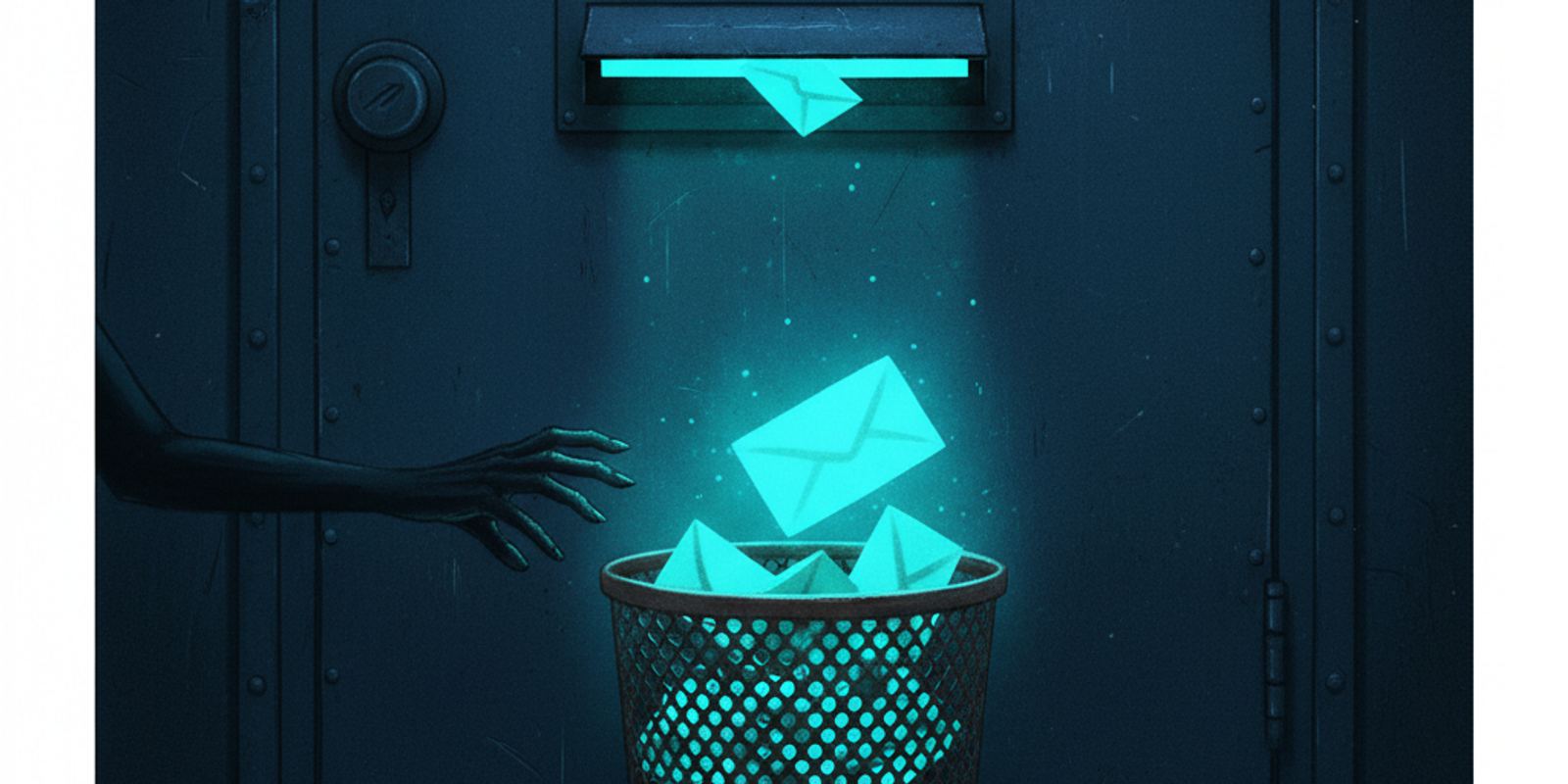
An employee sees a new message in their junk folder. The subject: 'Action Required: Overdue Invoice'. Their first thought isn't 'This is a phish.' It's 'Damn it, the spam filter ate an important email again.' They open it, click the link, and the game is over. This isn't a failure of the filter; it's the intended outcome for a smart attacker.
Most defenders think about phishing delivery in binary terms: inbox or block. But there's a third, far more common destination that attackers actively target: the junk folder. And the key to that destination is a misconfigured or transitional DMARC policy.
When your domain's DMARC policy is set to `p=quarantine`, you aren't blocking attackers. You're just telling them which door to jiggle. They know that quarantine, for most mail providers, simply means 'deliver to spam.' From there, it's a social engineering problem, not a technical one.
An Open Invitation, Not a Locked Gate
Let's be precise about what `p=quarantine` actually instructs a receiving mail server to do. According to RFC 7489, it's a request from the domain owner that mail failing the DMARC check be 'treated with extra scrutiny.' That’s it. It’s a suggestion, not a command. The RFC mentions it might be 'placed in a spam folder' or 'flagged as suspicious.' There is no mandate to block delivery.
This is a world away from `p=reject`, which is an explicit instruction to refuse delivery entirely. An email that triggers a `reject` policy is dropped at the SMTP level, generating a 5xx bounce code. The user never sees it, and the attacker gets a clear signal of failure. But `quarantine`? It almost always results in delivery.
This gap between the defender's assumption ('quarantined mail is safe') and the operational reality ('quarantined mail is in a folder the user checks daily') is the attacker's entire window of opportunity. They don't need to defeat your Secure Email Gateway's fancy sandboxing if they can convince the user to pull the malicious file out of the junk folder themselves.
The Receiver's Dilemma: How Quarantine Is Interpreted
Not all mail servers handle a quarantine request the same way, but the outcomes are depressingly similar for defenders. The two giants, Microsoft 365 and Google Workspace, set the tone for the entire ecosystem.
Microsoft 365: The Junk Email Folder
For a typical Microsoft 365 tenant, an email that fails DMARC with a `p=quarantine` policy lands squarely in the user's 'Junk Email' folder. It's not in a separate, admin-controlled quarantine portal. It's right there in Outlook, a single click away. Years of false positives have trained users to fish legitimate mail out of this folder. Attackers know this and count on it.
Google Workspace: The Spam Folder with a Side of Banners
Google tends to be a bit more aggressive. The message goes to the 'Spam' folder, and it's often decorated with a prominent warning banner explaining that similar messages were used to steal personal information. Yet, the email is still delivered. The subject and sender are visible. The lure is set. An attacker crafting a sufficiently urgent message can still overcome that warning banner's friction.
Authentication-Results: mx.google.com; spf=pass (sender IP is 209.85.220.69) smtp.mailfrom=attacker.net; dkim=pass header.d=attacker.net; dmarc=quarantine (policy from domain) header.from=targetcorp.com
This header tells the story. SPF and DKIM both passed, but for the attacker's domain, not the one in the `From:` header. Because the domains don't align, DMARC fails. And because `targetcorp.com` published `p=quarantine`, Google dutifully honored the request by flagging it, not dropping it.
Phishing Lures Engineered for the Junk Folder
You can't use a standard, low-urgency phishing lure if you're targeting the junk folder. A generic 'HR policy update' or 'New company portal' will be ignored. The context of the junk folder requires a special kind of social engineering.
The lure must provide its own justification for being in the junk folder. It needs to create a narrative where the spam filter is the enemy, and the user is the hero who must rescue the critical message. This is why lures based on financial transactions or security alerts are so effective.
'Urgent: Invoice INV-2023-8675 Overdue' implies financial penalty. 'Security Alert: Unusual Sign-in Attempt' implies immediate personal risk. 'Action Required: Payroll Deposit Failure' implies a direct threat to the user's livelihood. These themes trigger a cortisol response that short-circuits rational analysis. The user's goal shifts from 'Is this email legitimate?' to 'How do I fix this problem right now?' The location in the junk folder even reinforces the narrative: 'Of course this critical alert went to spam, my filters are too aggressive!'
Attacker Recon: Finding the Low-Hanging Fruit
Before launching a campaign, an attacker needs to know which domains are vulnerable. Identifying targets with a `p=quarantine` policy is trivial and requires no special tools. It's a simple DNS query.
dig TXT _dmarc.bigbank.com — Terminal
The response contains the DMARC record as a TXT string. The attacker is scanning for one thing: `p=quarantine`. They might also look for `p=none` (which offers no protection) or a low percentage tag like `pct=20`, meaning only 20% of failing mail is subject to the policy. Any of these represent a soft target.
This recon step takes seconds. An attacker can script this to check thousands of domains, building a target list of organizations that have started the DMARC journey but stalled before reaching the finish line. In the world of email security, `p=quarantine` is a signpost that reads 'Work in Progress, Please Exploit.'
The Spoofing Playbook: Passing Just Enough to Fail DMARC
To trigger a DMARC quarantine, you can't just fail every authentication check. That might route your email to a more heavily scrutinized path reserved for obvious spam. The goal is surgical failure. You need to pass either SPF or DKIM, but fail DMARC's alignment check. This is the sweet spot that tells the receiver, 'This email is authenticated, but not by the person it claims to be from.'
The Classic SPF Alignment Break
This is the most common method. An attacker sends an email from a server they control. SPF will pass because their server's IP is correctly listed in the SPF record for their own domain (the `MAIL FROM` or envelope sender). However, they set the visible `From:` header to their target's domain, for example, `accounting@targetcorp.com`. Since the attacker's domain doesn't match `targetcorp.com`, the SPF check is not 'aligned'. If there's no aligned DKIM signature, DMARC fails, and the `p=quarantine` policy is triggered.
The DKIM Alignment Variation
The principle is the same. The attacker signs the email with a valid DKIM signature for a domain they control. The public key is in their DNS, so the DKIM check passes. But the domain in the DKIM signature (`d=attacker.net`) does not align with the domain in the `From:` header (`d=targetcorp.com`). Again, assuming no aligned SPF pass, DMARC fails, and the email is delivered to junk per the quarantine policy.
This demonstrates a fundamental point about email authentication. SPF (defined in RFC 7208) and DKIM (RFC 6376) on their own only prove that an email came from an authorized server or was signed by a specific domain. They do not validate the `From:` header that the user sees. DMARC (RFC 7489) is what provides that critical link, and attackers are experts at exploiting the alignment requirement.
The Defender's Gambit: Using RUA Data to Force a 'Reject'
If you're stuck at `p=quarantine`, it's likely due to a lack of confidence. You're worried about blocking legitimate mail, especially from sources you don't know about. But the DMARC standard gives you the very tool you need to build that confidence: aggregate (RUA) reports.
Receiving mail servers send these XML reports back to the address specified in your `rua` tag. They contain a wealth of information about who is sending mail on behalf of your domain. Your job is to parse this data and hunt for anomalies.
You're looking for source IPs that are not on your list of legitimate senders, sending emails that result in a DMARC `quarantine` or `reject` disposition. When you see an IP address from a hostile network sending mail that fails alignment, you aren't looking at a misconfiguration. You are looking at an active attack. Documenting these instances is how you build the case for management.
The conversation changes from a theoretical 'We should move to reject to be more secure' to a concrete 'We are observing active spoofing attempts from these specific IP ranges, and our `p=quarantine` policy is allowing them to land in user junk folders. Here is the evidence.' This is how you get the green light to move to `p=reject` and shut the door for good.
The takeaway
A `p=quarantine` policy is not a security control; it's a data-gathering phase. Treating it as a permanent destination is a critical mistake that leaves your organization vulnerable to precisely the kind of attacks it's meant to stop. Attackers are not just a step ahead; they are playing a different game, where the junk folder is a legitimate target and user psychology is the final vulnerability.
Your defense rests on closing this window of opportunity. That means a disciplined, continuous process of analyzing DMARC aggregate (RUA) reports to identify and authorize all legitimate mail streams. Whether you use open-source parsers or a platform like MailSleuth.AI to automate the analysis, the goal is the same: gather the evidence you need to move to `p=reject` with confidence. Anything less is an open invitation.
We dissect phishing campaigns and email infrastructure so you don't have to.